Online MS-DOS Emulator (DOSBox)
Play MS-DOS games in your browser with DOSBox Pure. Drop a .zip that contains the game folder - RetroHub finds the program to start and writes the DOSBox configuration for you.
Play your own DOS game
Drop a file onto the box - the game starts in seconds, and nothing is uploaded anywhere.
Drop your DOS game here
or click to choose a file from your device
Accepted: .zip .exe .com .bat .7z
The file never leaves your device. RetroHub does not provide commercial ROMs - only play games you legally own.
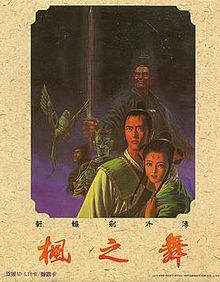
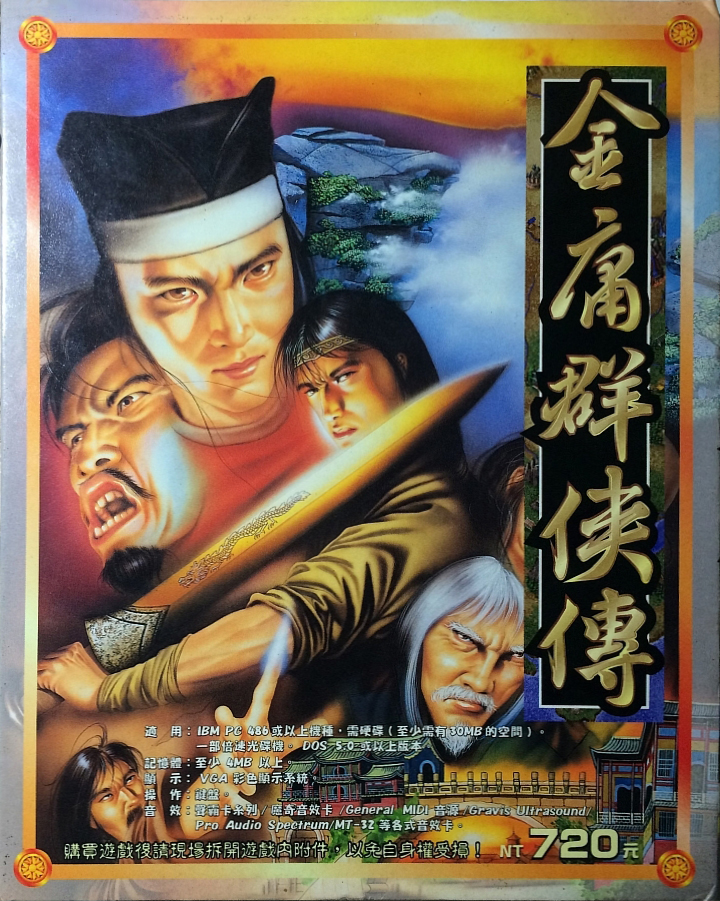
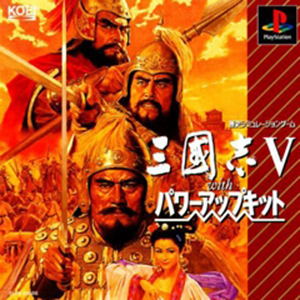
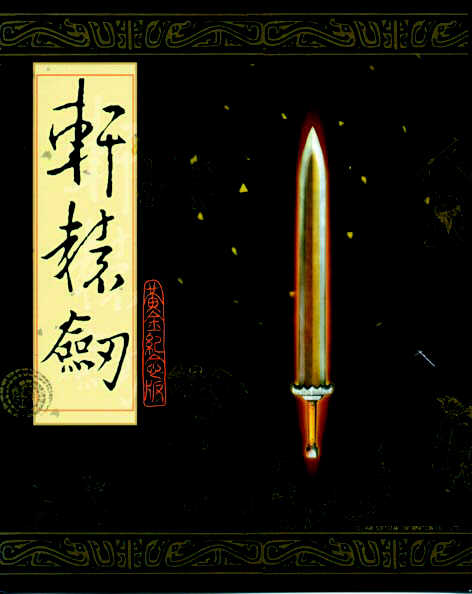
No file? Try a DOS game now
These games open with one click, so you can test the emulator, the controls and the sound.

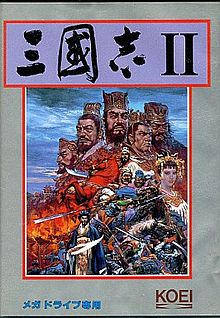
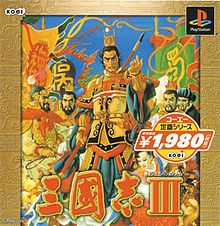
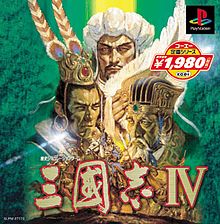
How to play DOS games online
- Drop a DOS game file you own onto the box above, or open one of the featured games.
- On the first start RetroHub downloads the emulator core once and keeps it in your browser, so later starts are quick.
- Play with the keyboard, a gamepad or the on-screen touch buttons. Your saves stay on this device.
About MS-DOS emulation
Classic DOS games are folders of files, not single ROMs. Zip the game folder (keep the executable inside it) and drop the archive: RetroHub looks for .exe, .com and .bat files, picks the main one - asking you when several look likely - and adds a dosbox.conf, so the game starts without typing commands. If the archive already has a dosbox.conf, it is respected. DOS emulation uses multi-threading, so use desktop Chrome, Edge or Firefox.
Tip: if a game asks for sound settings, the usual Sound Blaster defaults work: port 220, IRQ 7, DMA 1.
Accepted files: .zip .exe .com .bat .7z
Controls, saves and gamepads
Default keyboard: arrow keys move, Z is the A button, X is the B button, A and S are X and Y, Enter is Start, V is Select, Q and E are the L and R shoulder buttons.
Gamepads are detected automatically - plug one in or pair it by Bluetooth and press a button. On phones and tablets, on-screen buttons appear. The emulator menu lets you remap keys, change the volume and use save states.
Saves stay in this browser's storage, or in a local folder if you pick that mode in Settings. To move to another device, export a backup from the Storage page or back up to Google Drive.
DOS emulator FAQ
How do I run a DOS game?
Zip the game folder and drop the .zip on the box above. RetroHub detects the program to start; if several programs look like the game, it asks which one to launch.
Which files are accepted?
A .zip containing the game (recommended), or a single .exe, .com or .bat file.
Can I try a DOS game without a file of my own?
Yes. RetroHub's game library includes DOS classics that start with one click, including many Chinese-language games - see the list above.
Other online emulators
RetroHub is an emulator, not a ROM store: it contains no commercial games. Only play files you legally own.