Online SNES / Super Famicom Emulator
Play Super Nintendo and Super Famicom games in your browser. Drop a .sfc or .smc ROM you own, or open a featured game - the Snes9x core runs in WebAssembly with no install and no account.
Play your own SNES game
Drop a file onto the box - the game starts in seconds, and nothing is uploaded anywhere.
Drop your SNES game here
or click to choose a file from your device
Accepted: .smc .sfc .fig .gd3 .gd7 .dx2 .bsx .swc .zip .7z
The file never leaves your device. RetroHub does not provide commercial ROMs - only play games you legally own.
No file? Try a SNES game now
These games open with one click, so you can test the emulator, the controls and the sound.
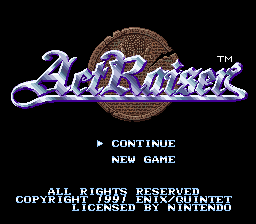
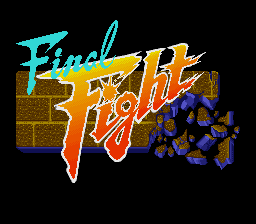
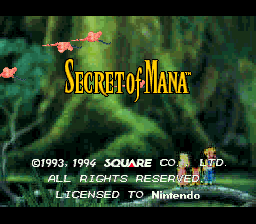
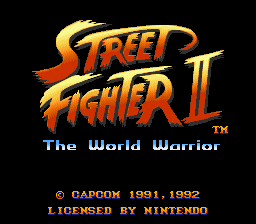
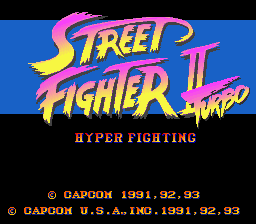
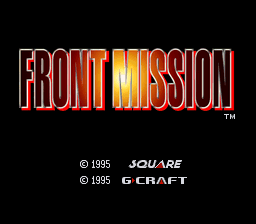
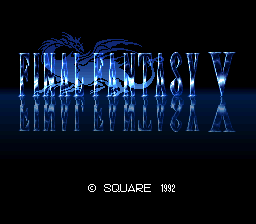
How to play SNES games online
- Drop a SNES game file you own onto the box above, or open one of the featured games.
- On the first start RetroHub downloads the emulator core once and keeps it in your browser, so later starts are quick.
- Play with the keyboard, a gamepad or the on-screen touch buttons. Your saves stay on this device.
About Super Nintendo emulation
The Super Famicom arrived in Japan in 1990 and the SNES in North America in 1991. Its 16-bit hardware, including enhancement chips such as Super FX, is emulated by the Snes9x core. ROMs usually end in .sfc or .smc; some older dumps carry a 512-byte copier header, which the core detects and skips automatically.
Tip: save states work in every SNES game. Make one before a tough boss or a long dungeon, even if the cartridge has no battery save.
Accepted files: .smc .sfc .fig .gd3 .gd7 .dx2 .bsx .swc .zip .7z
Controls, saves and gamepads
Default keyboard: arrow keys move, Z is the A button, X is the B button, A and S are X and Y, Enter is Start, V is Select, Q and E are the L and R shoulder buttons.
Gamepads are detected automatically - plug one in or pair it by Bluetooth and press a button. On phones and tablets, on-screen buttons appear. The emulator menu lets you remap keys, change the volume and use save states.
Saves stay in this browser's storage, or in a local folder if you pick that mode in Settings. To move to another device, export a backup from the Storage page or back up to Google Drive.
SNES emulator FAQ
Which files work in the SNES emulator?
Files ending in .sfc, .smc, .fig, .gd3, .gd7, .dx2, .bsx or .swc, or a .zip that contains one.
Does it work on phones and tablets?
Yes. SNES games are light on resources, and touch buttons appear automatically on touch screens. A Bluetooth gamepad works too.
Is there any input lag?
Emulation itself adds very little delay. For the lowest lag use a wired or low-latency gamepad and a desktop browser with hardware acceleration turned on.
Other online emulators
RetroHub is an emulator, not a ROM store: it contains no commercial games. Only play files you legally own.