Online Sega Genesis / Mega Drive Emulator
Play Sega Genesis and Mega Drive games in your browser. Drop a .md, .gen or .bin ROM you own, or open a featured game - the Genesis Plus GX core runs in WebAssembly, so nothing needs to be installed.
Play your own Genesis game
Drop a file onto the box - the game starts in seconds, and nothing is uploaded anywhere.
Drop your Genesis game here
or click to choose a file from your device
Accepted: .md .gen .bin .zip .7z
The file never leaves your device. RetroHub does not provide commercial ROMs - only play games you legally own.
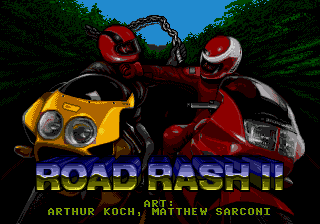
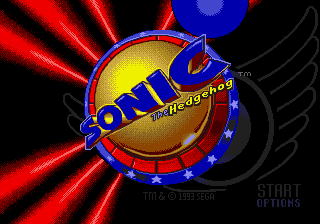
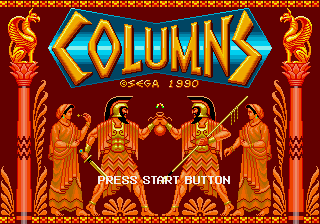
No file? Try a Genesis game now
These games open with one click, so you can test the emulator, the controls and the sound.
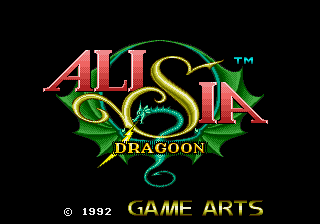
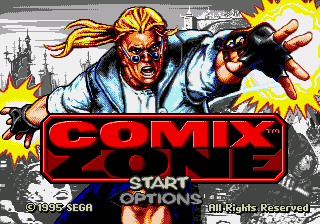
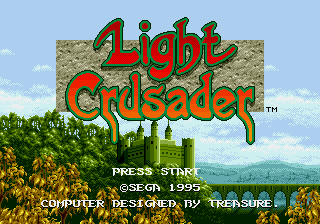
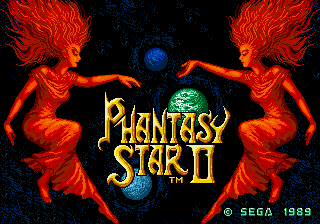
How to play Genesis games online
- Drop a Genesis game file you own onto the box above, or open one of the featured games.
- On the first start RetroHub downloads the emulator core once and keeps it in your browser, so later starts are quick.
- Play with the keyboard, a gamepad or the on-screen touch buttons. Your saves stay on this device.
About Sega Mega Drive / Genesis emulation
Sega launched the Mega Drive in Japan in 1988 and the Genesis in North America in 1989; it is the same console under different names. Its 16-bit cartridges are small and games start almost instantly. ROMs usually end in .md, .gen or .bin, and zipped copies work as well. Sega CD, 32X and Master System games are separate systems.
Tip: a wired or low-latency Bluetooth gamepad makes fast Genesis action games noticeably easier to control than a keyboard.
Accepted files: .md .gen .bin .zip .7z
Controls, saves and gamepads
Default keyboard: arrow keys move, Z is the A button, X is the B button, A and S are X and Y, Enter is Start, V is Select, Q and E are the L and R shoulder buttons.
Gamepads are detected automatically - plug one in or pair it by Bluetooth and press a button. On phones and tablets, on-screen buttons appear. The emulator menu lets you remap keys, change the volume and use save states.
Saves stay in this browser's storage, or in a local folder if you pick that mode in Settings. To move to another device, export a backup from the Storage page or back up to Google Drive.
Genesis emulator FAQ
Which files work in the Genesis emulator?
Files ending in .md, .gen or .bin, or a .zip that contains one.
Is Genesis the same as Mega Drive?
Yes. Sega sold the console as the Mega Drive in Japan and Europe and as the Genesis in North America. The same games and the same emulator apply to both.
Do Genesis games save my progress?
Games with battery-backed cartridges save automatically; for every other game use save states from the emulator menu.
Other online emulators
RetroHub is an emulator, not a ROM store: it contains no commercial games. Only play files you legally own.